
What Is eKYC? Meaning, Workflow and Business Use Cases
What Is eKYC? Meaning, Workflow and Business Use Cases
TL;DR
eKYC (electronic Know Your Customer) takes the "confirm who you are" step of KYC online. The customer photographs an ID and records a short selfie video on a phone or in a browser. The software reads the document, checks that a live person is on camera, and compares that face with the photo on the ID. It takes a few minutes and needs no branch visit.
- eKYC covers the identity check only. Risk rating, watch-list screening and ongoing monitoring are still separate parts of KYC.
- Whether you can use it, and how, depends on the rules in your country and sector. Nothing here is legal advice.
- Some cases will always need a person to look at them, so plan that route before launch.
In this guide: Meaning · KYC vs eKYC · Workflow · Methods · Use cases · Misconceptions · Limits · Explore this topic
What Does eKYC Mean?
eKYC (electronic KYC, also written e-KYC) is the process of verifying a customer's identity remotely and digitally, usually by capturing an identity document and a live selfie, and checking them with automated software.
The "KYC" part, Know Your Customer, is the obligation that many regulated businesses have to identify customers, understand their risk and keep records. The "e" describes how the identity step is carried out. The term appears in two senses, and the difference matters:
| Used as… | Means | Example | |---|---|---| | A concept | Any remote, digital way to verify identity for KYC | "We moved our onboarding to eKYC" | | A product name | A specific vendor service | Tencent Cloud eKYC |
This guide uses "eKYC" for the concept. When it refers to Tencent Cloud's service, it says Tencent Cloud eKYC. Search terms such as "ekyc", "e-kyc" and "electronic know your customer" all describe the same concept.
How Is eKYC Different from KYC?
KYC is the whole programme. eKYC is one way of doing a part of it.
| | KYC | eKYC | |---|---|---| | What it is | The overall customer due diligence process | The remote, digital way of verifying identity within it | | Typically covers | Identifying the customer, verifying identity, assessing risk, ongoing monitoring, record keeping | Identity capture and verification (document, liveness, face match) | | Where it happens | Branch, counter or online | Phone, tablet or browser | | Who decides | The business, under its regulator's rules | The same business; software supplies evidence | | Answers | "Do we understand and accept this customer?" | "Is this person who they say they are?" |
People sometimes treat eKYC as a stand-in for KYC. It only takes over the counter. Screening, risk rating and decisions on unclear cases still need someone responsible for them.
How Does eKYC Work? The Three Core Steps
Most eKYC processes follow the same three checks. The example below is a remote bank-account opening.
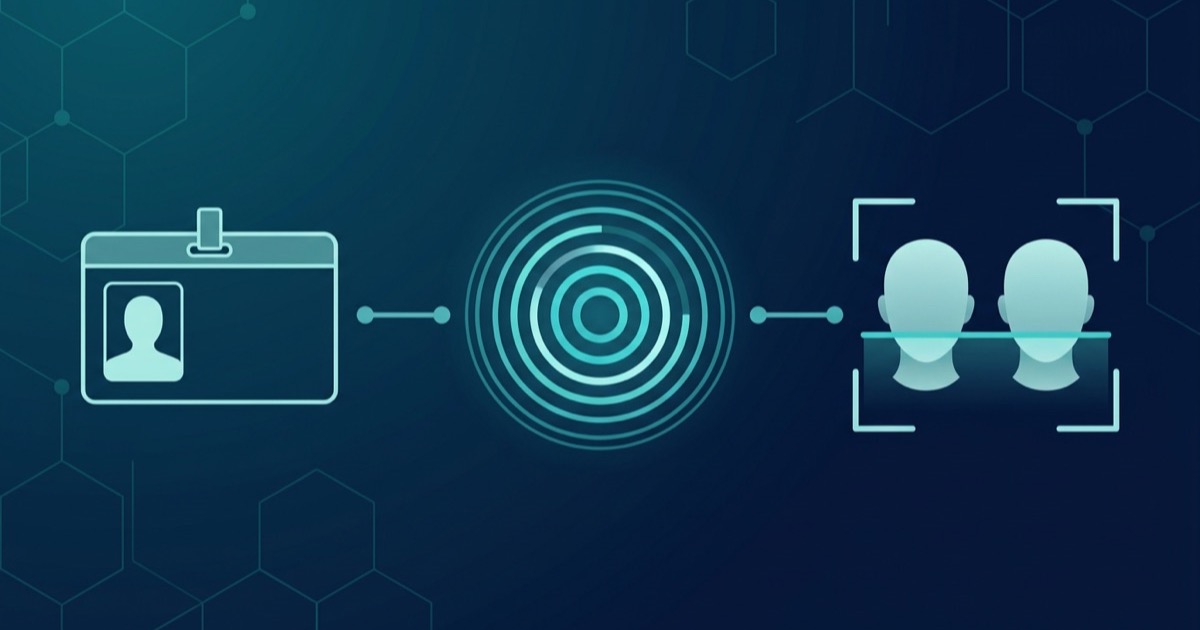
| Step | What happens | What it establishes | |---|---|---| | 1. Document recognition | The customer photographs an ID. Software reads the fields, extracts the portrait and checks for signs of tampering, copying or screen capture | The document says what it says, and looks genuine | | 2. Liveness detection | The customer records a short selfie video. Software checks that a live person is in front of the camera, not a photo, a replayed video or a mask | A real person is present now | | 3. Face comparison | The live face is compared 1:1 with the portrait on the document | The person present matches the document |
After the three checks, the business applies its own rules: approve, ask the customer to retry, send the case to a person, or decline. A fourth step often follows in a full KYC flow: screening the name against sanctions, politically exposed person (PEP) and adverse-media lists.
Each step needs the other two. Without liveness detection, a stolen photo could pass the face comparison. Without a document check, you would be comparing a face to a photo nobody has looked at.
What Happens When a Check Fails?
A failed check doesn't always mean fraud. Glare on the card, a cropped photo, poor light or a shaky hand can all cause a rejection. A good flow tells "please retake the photo" apart from "this looks suspicious", and gives people who can't finish the automated route a way to reach a person.
What Methods Do eKYC Processes Use?
Document-plus-selfie is the best-known pattern, but not the only one.
| Method | How it works | Where it fits | Watch out for | |---|---|---|---| | Document + selfie + liveness | Capture an ID and a live selfie; compare faces | Remote onboarding with no prior relationship | Capture quality; presentation and injection attacks | | Document chip (NFC) | Read the data stored in the document's chip and verify it | Documents with a readable chip | Needs a compatible phone and document | | Database / registry check | Check submitted details against official records | Markets where such records are accessible | Availability varies by country; checks data, not the person | | Screening | Match the name against sanctions, PEP and adverse-media lists | After identity is established | Does not prove identity |
Programmes usually combine methods according to risk. A low-value account might need only a document and a selfie, while a high-value one could add device checks or manual review.
Where Is eKYC Used?
Tencent Cloud's product documentation names three groups of scenarios. They are a useful map of where remote identity checks are most common.
Finance and payments. Remote account opening and large transfers at banks and securities firms; remote verification of insured persons who cannot attend in person because of age or illness; and e-wallet registration, where verification helps confirm who is behind the account.
Social and live-streaming platforms. User registration and streamer certification, where real-name verification lowers the cost of registering and reviewing users.
Telecommunications. SIM card registration and activation, where real-name rules aim to stop fraud rings hoarding cards in bulk and to trace illegal communications.
The right level of checking depends on the scenario. A wallet top-up limit, a bank account and a streamer account don't carry the same risk. Applying one standard to all of them makes life harder for low-risk users or leaves high-risk accounts under-protected.
How Tencent Cloud eKYC Maps to the Three Steps
Tencent Cloud eKYC offers all three steps (document recognition, liveness detection and face comparison) through an App SDK, mobile H5 pages and APIs. Selfie Verification handles the live-person check and compares the face with a photo you already hold. Identity Verification adds document capture. See the Tencent Cloud eKYC overview for the product line-up.
Common Misconceptions About eKYC
"Face recognition makes it safe." A face match only shows that two images look alike. Without liveness detection, a replayed video or synthetic image might still match.
"eKYC means no humans are involved." Most flows keep a manual review route for cases the software can't settle.
"Once verified, always verified." After onboarding, a customer's circumstances and the watch lists can both change. That is why ongoing monitoring exists.
"Using eKYC makes us compliant." Compliance depends on the rules that apply to your business. A tool can help you meet some of them, but it doesn't confer compliance.
Where eKYC Falls Short
eKYC answers one question well: is this remote person the owner of this document? For several other questions it gives a limited answer or none.
- Regulatory fit. Whether a regulator accepts remote identity verification, which documents count and what records you must keep are set per jurisdiction and per sector. The international baseline for customer due diligence is in the FATF Recommendations; national rules differ. Check your regulator's current guidance. This article is not legal advice.
- Customers who can't or won't use it. Older devices, poor connectivity, disabilities and document types the system doesn't read all need an alternative route.
- Coverage. Document types and supported regions differ by provider and by product. Check them against the documents your customers actually hold.
Frequently Asked Questions
What does eKYC stand for?
eKYC stands for electronic Know Your Customer. It means verifying a customer's identity remotely and digitally, typically through a document photo, a liveness check and a face comparison, instead of in person.
What is the difference between KYC and eKYC?
KYC is the full customer due diligence process, including risk assessment and monitoring. eKYC is the remote, digital method of completing the identity-verification part of it.
Is eKYC legal and accepted by regulators?
It depends on the country, the sector and the regulator's current rules. Some regulators permit remote identity verification under conditions; others restrict it. Check the guidance that applies to your business. This article doesn't give legal advice.
How does the eKYC process work?
A customer photographs an identity document, records a short selfie video, and the software checks the document, confirms a live person is present and compares the face with the document photo. The business then approves, retries, reviews or declines.
Related Resources
- Tencent Cloud eKYC overview
- Tencent Cloud eKYC documentation
- NIST SP 800-63A-4: Identity Proofing Overview for the standards view of the three steps
Start Testing
First-time users who activate Tencent Cloud eKYC receive a free resource bundle of 100 calls each for AI Face Shield, Selfie Verification and Identity Verification, issued for the billing items listed in the Purchase Guide (mainly Basic modes). The bundles appear in the console about 30 minutes after activation and are valid for one year. After a free bundle is used up, billing moves to any prepaid bundle you hold, and otherwise to pay-as-you-go. Check the Billing Overview in the Purchase Guide for current terms, and follow the getting-started guide to activate the service.
About Tencent Cloud eKYC
Tencent Cloud eKYC uses AI technology to remotely verify user identities automatically, combining document recognition, liveness detection and face comparison. It is offered through App SDKs, mobile H5 pages and APIs for use cases such as account opening, e-wallet registration, insurance verification, user registration and SIM registration.